Framer Website Redesign Checklist: What to Plan Before You Rebuild

Enes Aktas
Senior Product Designer, Entrepreneur
A Framer redesign goes better when the team plans content, structure, SEO, and launch details before opening the canvas.
Framer Website Redesign Checklist: What to Plan Before You Rebuild
A website redesign is not only a visual refresh. In Framer, the redesign is a chance to simplify page structure, clean up content, improve CMS patterns, and make the site easier to operate after launch.
Start With the Reason for the Redesign
Teams often say they want the site to feel more modern. That is not enough. Define whether the redesign should improve conversion, clarify positioning, support new product pages, make CMS publishing easier, or prepare the site for a new growth motion.
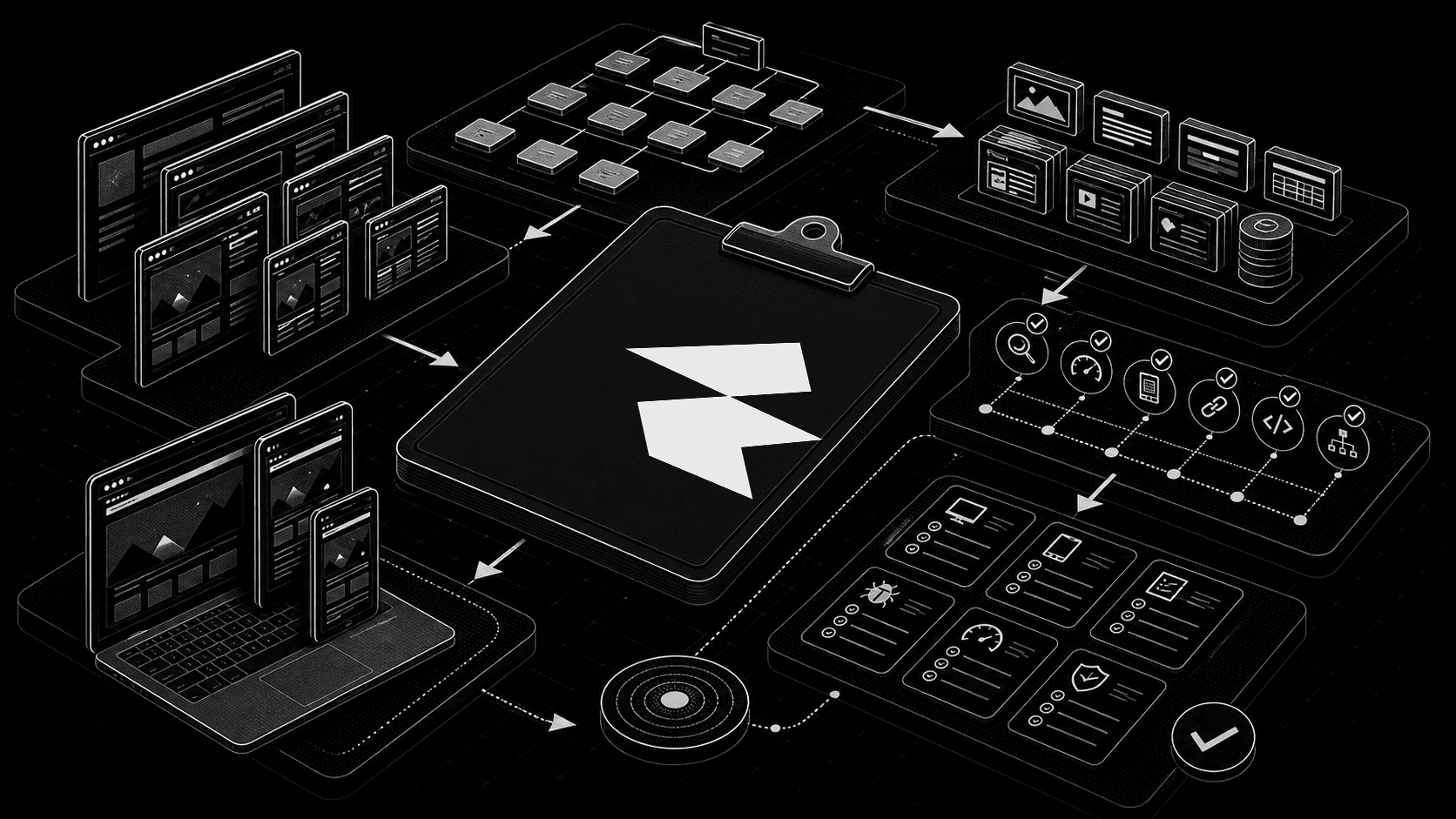
Checklist Before Build
Audit existing pages and decide what stays, merges, redirects, or disappears.
Map the CMS collections needed for blog posts, resources, case studies, or landing pages.
Write reusable section patterns before designing every page uniquely.
Preserve important SEO pages and plan redirects before launch.
Review mobile behavior early, not at the final QA stage.
If you are hiring outside help, pair this checklist with how to write a Framer website brief so the agency understands the project before quoting.
A Better Redesign Outcome
The best Framer redesigns feel simpler after launch. The site looks sharper, but the bigger win is operational: teams can publish faster, edit content confidently, and keep the system coherent as new pages are added.
framer redesign checklist, framer website redesign, framer rebuild, website redesign checklist
Written By
Enes Aktas
Senior Product Designer, Entrepreneur
Enes is a product designer who creates usable, considered products. With over a decade of experience, he blends craft with user-centered design principles and writes about hiring, evaluating and working with Framer talent for teams building at scale.